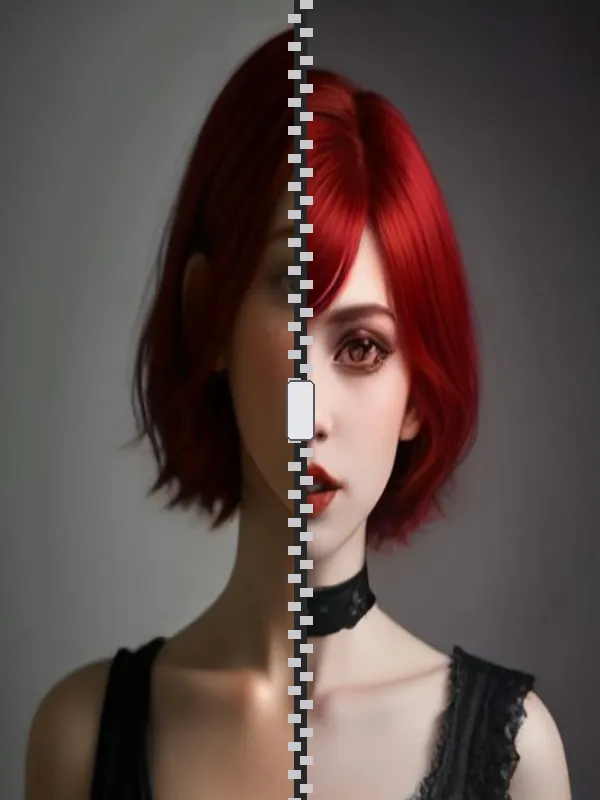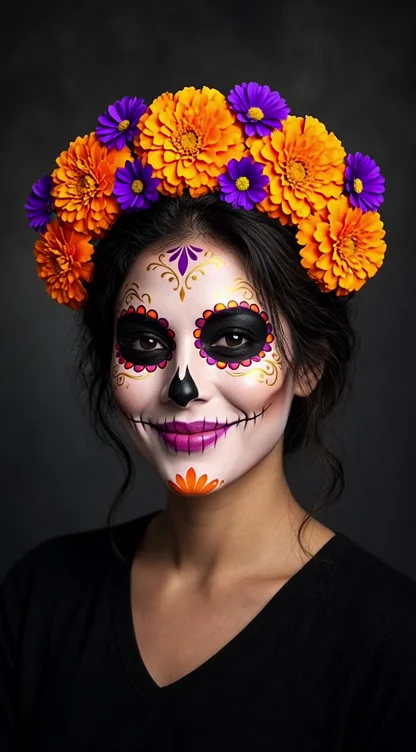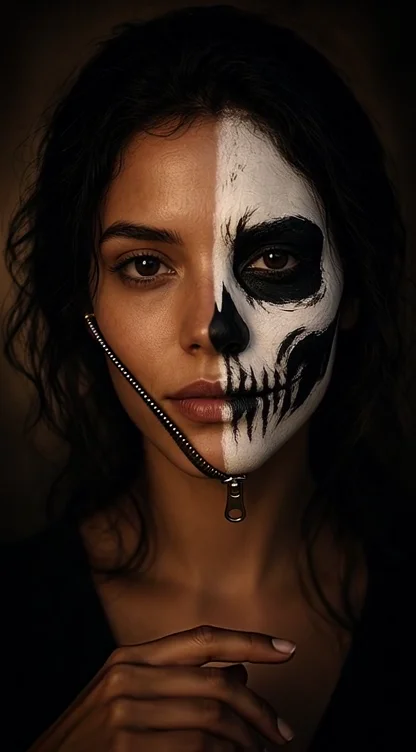
Zipper reveal
The zipper opens and your Halloween face appears.
AI Halloween transformation video generator
Create a vertical 9:16 video where your face unzips, morphs into a skull or becomes a Catrina. Built for TikTok, Reels and Shorts.
02 · Pick a style
AI-generated example · fictional person
The zipper opens and your Halloween face appears.
Your face slowly turns into the chosen makeup.
From selfie to Catrina in one vertical shot.
Feliz Halloween IA · 9:16
Explore makeup, costumes, couples, pets and avatars. Play a video and choose your style.
AI-made style concepts. Fictional people and pets; results with your photo may vary. For couples and pets, create an image first, then animate it.
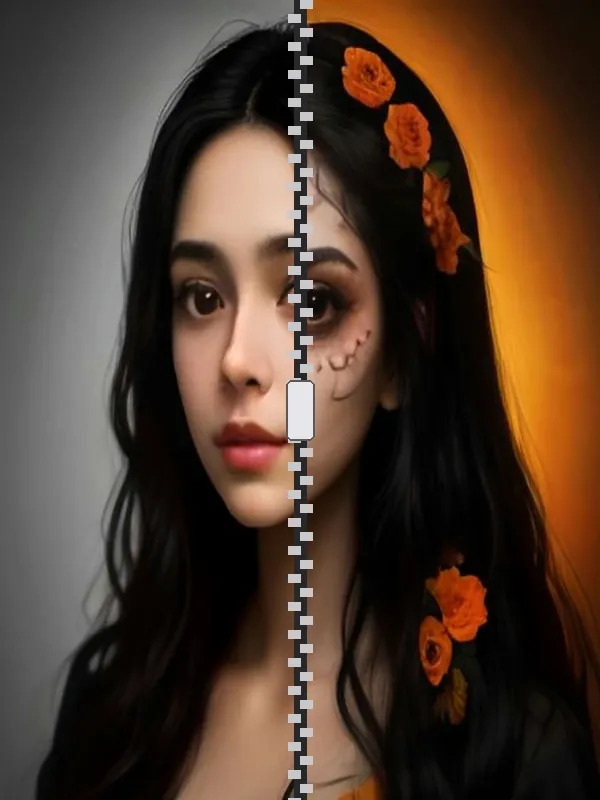
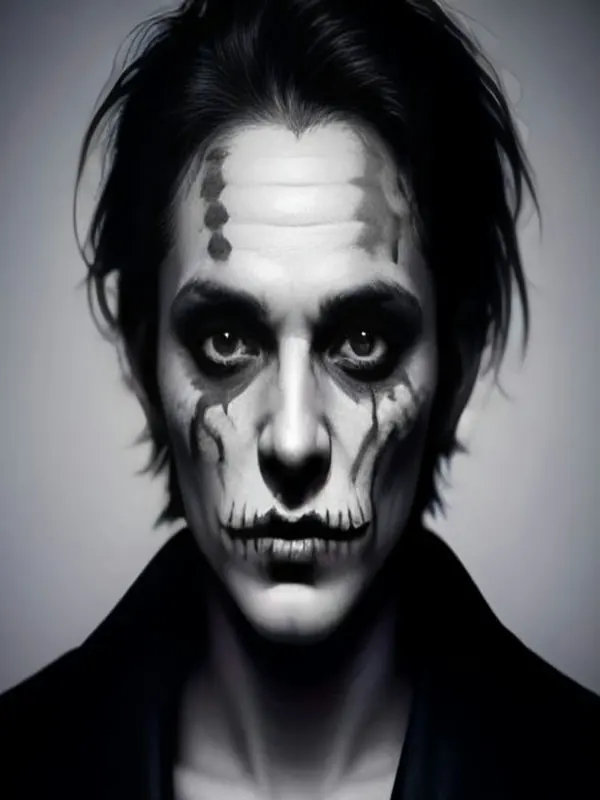
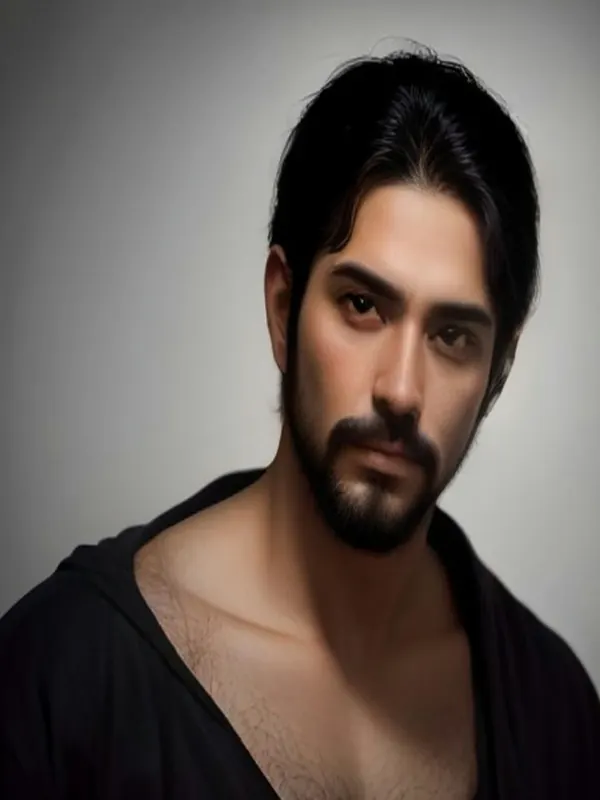
Before and after
AI-generated example · fictional person
How it works
One face, front-facing, good light.
Catrina, skull, vampire, clown, costume or video.
Free preview; HD or video with credits.
Halloween and Day of the Dead
Reveal videos are among the most shared Halloween formats. Make one from a single photo.
See AI Catrina makeupPhoto guide
FAQ
Videos use credits; you see the cost before generating.
Vertical 9:16.
No, add audio in your favorite app.
Usually a few minutes.
By the Feliz Halloween IA team · Updated
We generate the final makeup from your selfie and animate the transition with your chosen effect.
Use a clean background, add a trending sound and show the reveal early.
| Output | Credits |
|---|---|
| Watermarked preview | Free |
| HD image, no watermark | 3 |
| Vertical 9:16 video | 25 |
A recent, front-facing selfie with even light and no sunglasses. Avoid heavy filters and group photos so the AI can read one face clearly.
Only upload your own photos or photos you have permission to use. No celebrities, no minors, no deception or harassment. Results are AI-generated and may not look exactly like the person.
Every example image on this page is AI-generated from fictional people: none of them is a customer photo. The credits in the table are read from the same settings the generator uses, so they match what you pay.
Feliz Halloween IA generator
Before you upload
Use only photos you have the right to use.
Not allowed: celebrities, minors, impersonation and copyrighted characters.